On This Page
Creating a Token Management MLE Key
Follow these steps to create a token management message-level encryption key:
- Log in to theSmartpay Fuse Portal:
- On the left navigation panel, choose
 Payment Configuration > Key Management.
 - Click+ Generate key.
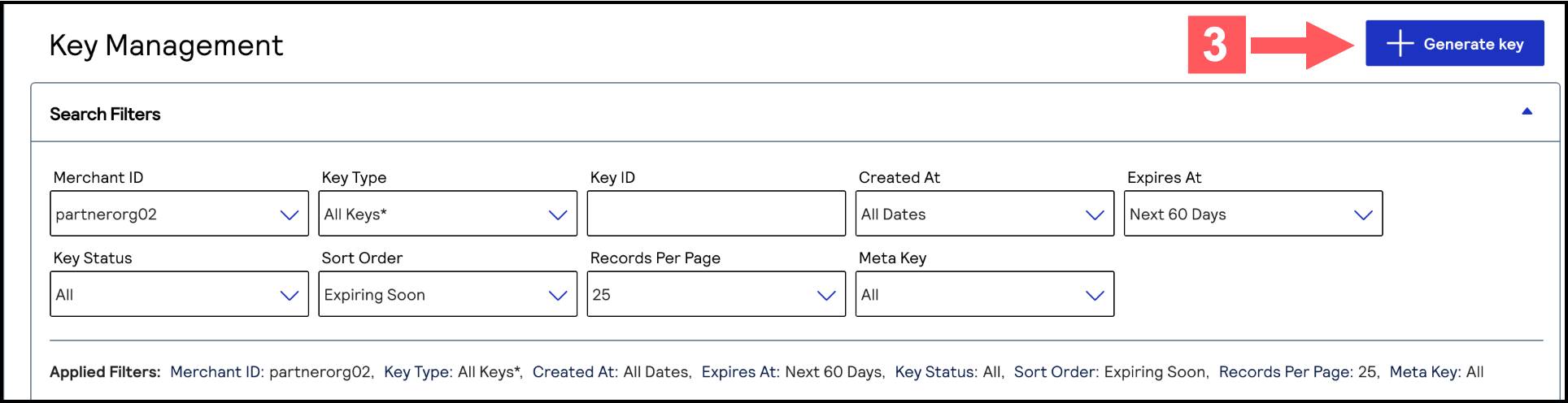 The Create Key page appears.
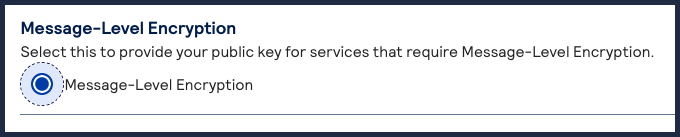
 - SelectMessage-Level Encryptionand clickGenerate Key.

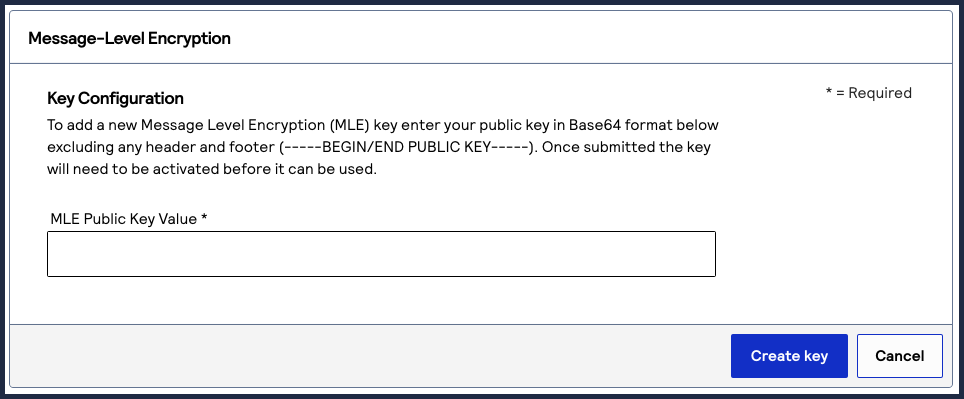
- Enter the public key value into the text field, and clickCreate Key.